
 Image 1 of 1
You know how to use AI. Now discover what it could do in your work.
You’ve asked questions, written emails, and tried a few things. But how do you move from occasional help to something that fits the work you actually do?
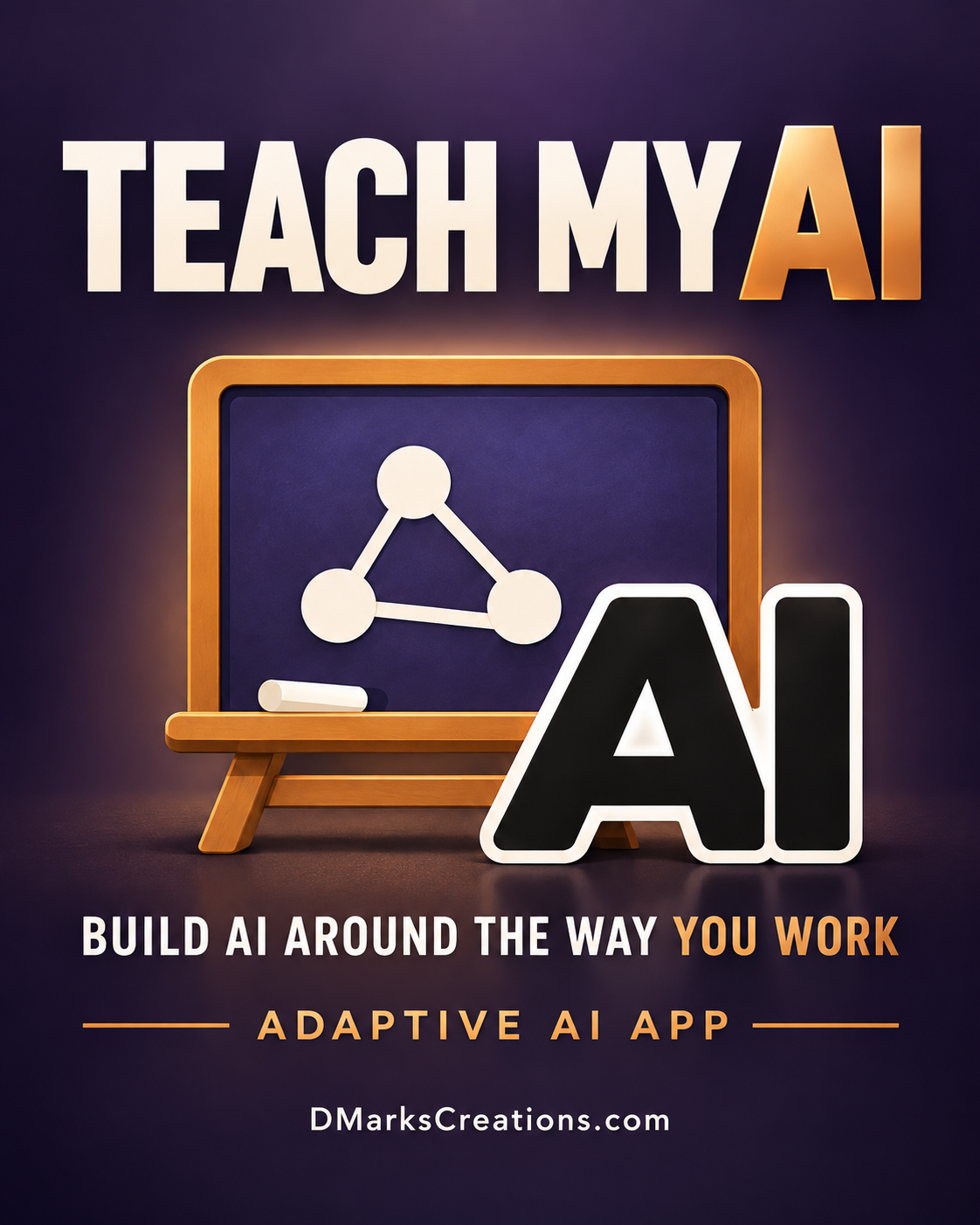
Teach My AI Pro is an interactive application that helps you figure that out. Bring your role, responsibilities, documents, and everyday frustrations. Explore where AI could help, learn the skills you need, and build a practical system around your work.
You don’t have to arrive with a workflow mapped out or know which tools to choose. Start with something familiar: a task you repeat, information you keep searching for, or a process that takes more effort than it should.
Work through it with the app. Connect relevant tools where supported, organize the knowledge AI needs, and test the result against real tasks. Your experience and judgment guide what gets built.
WHAT YOU CAN DO
• Discover useful ways to apply AI to your actual role and responsibilities.
• Learn new AI skills through work you already understand.
• Examine recurring tasks and decide where AI belongs.
• Build Projects around your documents, instructions, and working preferences.
• Explore supported plugins and connectors that bring relevant work tools into the conversation.
• Create a work dashboard or consistent Home screen for recurring tasks.
• Test your system on real work, improve it, and keep reusable records.
As AI changes, having a way to explore, learn, and apply it becomes valuable in itself. Teach My AI Pro gives you somewhere to begin—and a way to keep building.
WHAT YOU RECEIVE
The application file, an interactive Start Here guide, and a Read First guide, together in one downloadable ZIP.
HOW TO BEGIN
Unzip your download.
Find the application file with “App” in its name and upload it into a fresh AI chat.
Type Run.
SETTING UP A PROJECT?
Upload the interactive Start Here guide into a fresh chat and type Help. It will walk you through setting up a Project and adding your own documents.
Type Home whenever you want to return to the app’s Home screen.
Use with your own AI account and documents you’re permitted to use. Available features and connections depend on your AI platform and plan. Keep any exported files you want to use later.
You know how to use AI. Now discover what it could do in your work.
You’ve asked questions, written emails, and tried a few things. But how do you move from occasional help to something that fits the work you actually do?
Teach My AI Pro is an interactive application that helps you figure that out. Bring your role, responsibilities, documents, and everyday frustrations. Explore where AI could help, learn the skills you need, and build a practical system around your work.
You don’t have to arrive with a workflow mapped out or know which tools to choose. Start with something familiar: a task you repeat, information you keep searching for, or a process that takes more effort than it should.
Work through it with the app. Connect relevant tools where supported, organize the knowledge AI needs, and test the result against real tasks. Your experience and judgment guide what gets built.
WHAT YOU CAN DO
• Discover useful ways to apply AI to your actual role and responsibilities.
• Learn new AI skills through work you already understand.
• Examine recurring tasks and decide where AI belongs.
• Build Projects around your documents, instructions, and working preferences.
• Explore supported plugins and connectors that bring relevant work tools into the conversation.
• Create a work dashboard or consistent Home screen for recurring tasks.
• Test your system on real work, improve it, and keep reusable records.
As AI changes, having a way to explore, learn, and apply it becomes valuable in itself. Teach My AI Pro gives you somewhere to begin—and a way to keep building.
WHAT YOU RECEIVE
The application file, an interactive Start Here guide, and a Read First guide, together in one downloadable ZIP.
HOW TO BEGIN
Unzip your download.
Find the application file with “App” in its name and upload it into a fresh AI chat.
Type Run.
SETTING UP A PROJECT?
Upload the interactive Start Here guide into a fresh chat and type Help. It will walk you through setting up a Project and adding your own documents.
Type Home whenever you want to return to the app’s Home screen.
Use with your own AI account and documents you’re permitted to use. Available features and connections depend on your AI platform and plan. Keep any exported files you want to use later.